Screenshots

App details
- Version
- 5.50 | 5.2 | 5 | 4.7 | 3.20
- Size
- 1.14 MB
- Updated
- November 9, 2022
- Requires
- Windows 98
- Language
- English | German | Portuguese
- License
- Free
- Developer
- More programs (19)
- Category
- Windows OS
SoftPas in:
This product is also available in the following languages:
About Free RAR Extract Frog
Download Free RAR Extract Frog – Free, Secure RAR Extractor for Windows, Mac, Android & iOS
Looking for a reliable, fast, and completely free RAR extractor? Free RAR Extract Frog delivers exactly that. This lightweight, user-friendly tool is designed to simplify the extraction of RAR archives, including password-protected and spanned RAR files. Whether you're a casual user or a power user handling large archives, RAR Extract Frog makes the process seamless. With support for over 50 languages, a minimalistic interface, and the powerful RarZilla engine, this software stands out as one of the best free alternatives to paid tools. No installation hassles, no hidden costs—just pure extraction efficiency. Compatible with Windows, Mac, Android, and iOS, it’s a versatile solution for anyone dealing with compressed files. Download Free RAR Extract Frog today and enjoy a secure, fast, and hassle-free way to access your archived data.
Key Features of Free RAR Extract Frog
Free RAR Extract Frog is packed with features that make it a top choice among free RAR extraction tools. One of its standout features is its support for spanned RAR archives, allowing users to extract large files split across multiple parts without manual intervention. This is especially useful for users downloading large software packages or media files from torrent sites. Another major advantage is password-protected RAR file support, enabling secure access to encrypted archives—perfect for protecting sensitive documents.
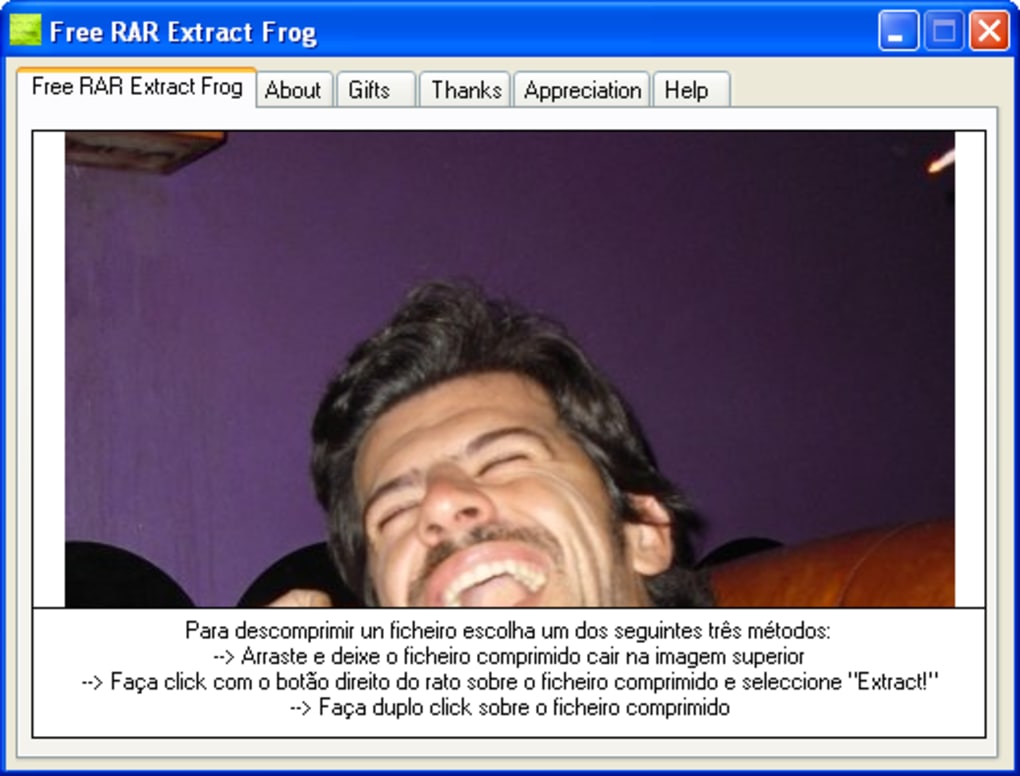
The software also boasts multi-language interface support, offering clear, concise instructions in nearly 50 languages, including Spanish, German, Japanese, and Arabic. This global reach ensures users from diverse regions can navigate the tool with ease. Its drag-and-drop functionality simplifies the extraction process: simply drag a RAR file onto the frog icon, select a destination folder, and the extraction begins instantly. For advanced users, right-click context menu integration allows quick access to the extractor from any file explorer.
Under the hood, Free RAR Extract Frog uses the RarZilla engine, known for its speed and reliability. This ensures fast decompression even on older systems. The app is also skinnable, meaning you can customize the frog’s appearance by dragging and dropping your own image. While the skinnability is more playful than functional, it adds a fun touch to the otherwise utilitarian tool. With no ads, no bloatware, and no trial restrictions, Free RAR Extract Frog truly lives up to its promise of being a free, secure, and efficient RAR extraction tool.
How to Install and Use Free RAR Extract Frog
Getting started with Free RAR Extract Frog is straightforward, whether you're using Windows, Mac, Android, or iOS. For Windows users, download the installer from the official website. The file is lightweight and typically under 10MB. Run the installer, follow the on-screen prompts, and the app will be ready to use. No registration or account creation is required—just install and launch.
On Mac, the process is equally simple. Download the .dmg file, open it, and drag the RAR Extract Frog app into your Applications folder. Once installed, you can launch it from the Dock or Spotlight. For Android users, head to the Google Play Store or download the APK from a trusted source. After installation, open the app and grant the necessary storage permissions to access your RAR files.
On iOS, the app is available via the App Store. Search for "RAR Extract Frog" and install it directly. Once installed, open the app and use the built-in file browser or import files from iCloud, Dropbox, or other cloud services. To extract a file, simply tap the RAR file in the app, choose a destination folder, and tap "Extract."
For most users, the easiest method is drag-and-drop. Open the app, then drag any RAR file directly onto the frog icon. The app will automatically detect the archive and prompt you to select an extraction folder. You can also use the context menu: right-click a RAR file, select "Extract with RAR Extract Frog," and the process begins instantly. The entire workflow is intuitive, making it ideal for beginners and experts alike.
Compatibility and System Requirements
Free RAR Extract Frog is designed for maximum compatibility across major platforms. It supports Windows 7 and later, including Windows 10 and Windows 11, ensuring broad accessibility for desktop users. On the Mac side, it runs smoothly on macOS 10.13 (High Sierra) and newer versions, including the latest Apple Silicon (M1/M2) Macs.
For mobile users, the app is available on Android 6.0 (Marshmallow) and above, making it accessible to most modern smartphones and tablets. On iOS, it’s compatible with iPhone and iPad models running iOS 12 or later, including devices with Face ID and Touch ID. This wide compatibility means you can extract RAR files on your laptop, tablet, or smartphone—no matter your device.
The app requires minimal system resources. On desktops, it uses less than 50MB of RAM during extraction, making it efficient even on older machines. Mobile versions are optimized for battery life and performance, ensuring smooth operation without draining your device. Additionally, the software supports all standard RAR formats, including RAR, RAR5, and split archives (part001.rar, part002.rar, etc.). It also handles encrypted archives with AES-256 encryption, ensuring your data remains secure during extraction.
Pros and Cons of Free RAR Extract Frog
- Pros:
- Completely free with no hidden costs or ads
- Supports password-protected and spanned RAR files
- Fast extraction using the RarZilla engine
- Available for Windows, Mac, Android, and iOS
- Multi-language interface with 50+ language options
- Simple drag-and-drop and right-click extraction
- Skinnable design for fun customization
- Lightweight and low system resource usage
- Cons:
- Skinnability is more cosmetic than functional
- No built-in compression or archive creation feature
- Interface may seem too playful for professional users
- Limited support for other archive types (e.g., 7z, ZIP)
- Updates may not be frequent (check official site regularly)
Frequently Asked Questions (FAQ)
Is Free RAR Extract Frog really free?
Yes, Free RAR Extract Frog is completely free to download, install, and use. There are no subscription fees, trial periods, or hidden charges. The software remains ad-free and does not collect user data.
Can I extract password-protected RAR files?
Yes, Free RAR Extract Frog supports password-protected RAR files. When you attempt to extract such a file, the app will prompt you to enter the password before proceeding.
Does it support split RAR archives?
Yes, it can extract spanned RAR files (e.g., part001.rar, part002.rar) automatically, provided all parts are in the same folder.
Is it safe to download and use?
Yes, as long as you download the software from the official website or trusted app stores. The app is virus-free and does not contain malware.
Can I use it on my iPhone or Android phone?
Yes, Free RAR Extract Frog is available for both Android and iOS devices. You can download it from the Google Play Store or Apple App Store.
Conclusion: Why You Should Download Free RAR Extract Frog Today
If you're tired of dealing with complex, paid RAR extraction tools, Free RAR Extract Frog is the perfect solution. It combines speed, simplicity, and security in a single free package. Whether you're extracting files from a torrent, opening a password-protected archive, or working with split RAR files, this tool handles it all with ease. Its cross-platform support ensures you can access your files no matter your device.
While it lacks advanced features like archive creation or support for 7z files, its core function—extracting RAR files—is executed flawlessly. The playful design adds a touch of fun without compromising performance. For users who value a clean, fast, and free tool, Free RAR Extract Frog is a must-download.
Download Free RAR Extract Frog now and experience hassle-free RAR extraction on Windows, Mac, Android, or iOS—100% free, secure, and updated regularly.
Guides & Tutorials
How to install Free RAR Extract Frog
- Click the Download button above.
- Once redirected, accept the terms and click Install.
- Wait for the Free RAR Extract Frog download to finish on your device.
How to use Free RAR Extract Frog
This software is primarily used for its core features described above. Open the app after installation to explore its capabilities.
User Reviews
No reviews yet. Be the first to share your experience.
You may also like
more
Llama 2
Free-to-use large language model As the new addition to Meta’s arsenal of langua...

NotebookLM
Revolutionizing the note-taking and idea-generation process NotebookLM is an exp...

Github co pilot
AI-inspired software development and coding platform GitHub Copilot is a browser...

Google Gemma
Google’s lightweight AI models Introducing Google Gemma , a family of cutting-ed...

AI Image Enlarger
A free app for Windows, by ai-image-larger. AI Image Enlarger is a free software...

DALL E
AI-driven text-to-image transformation engine DALL·E is a free graphic and desig...